Family tools
How to choose a baby sleep app without buying promises
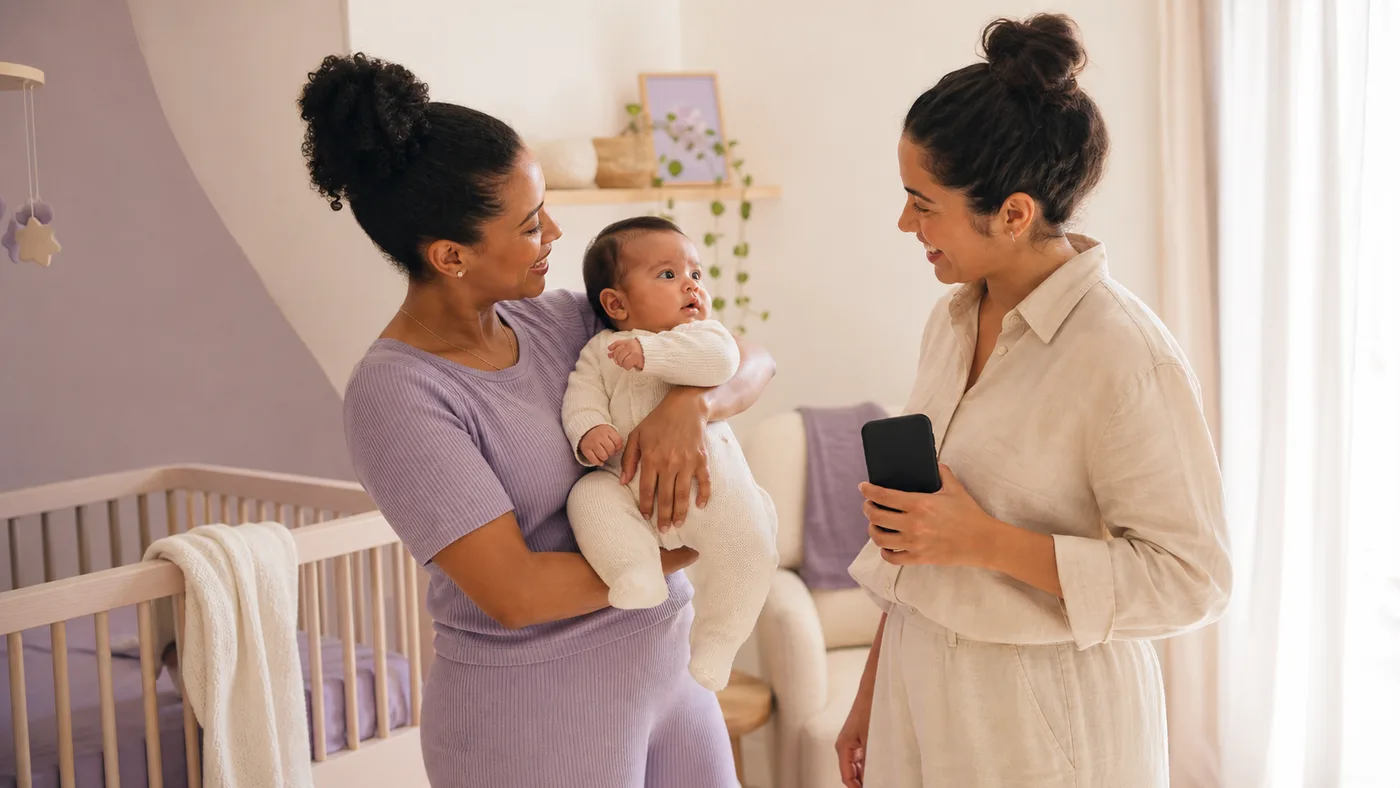
Compare apps by privacy, logging, and personalization without confusing a tool with clinical guidance.
Why compare criteria instead of slogans
Apps can serve different purposes: a logging diary, reminders, educational content, next-moment estimates, or a combination. The best fit depends on what your family needs to follow.
A polished screen or a result promise does not explain how a tool works. Ask which data enters the calculation, how changes are handled, and what you can review.
A comparison in seven questions
Read the privacy policy
Understand what data is collected, why, for how long, and how to request control or deletion.
Test personalization
See whether the product uses a profile and logs instead of offering only a generic table.
Check the way out
Look for clear sharing, export, and account information if you decide to leave.
Privacy and data control
Read the privacy policy and look for collection, purpose, storage, sharing, security, and deletion details. Baby and family data deserve a conscious choice even when sign-up seems simple.
Check whether you can correct logs, close your account, and request a copy or deletion where applicable. If the answer is unclear, ask support before entering sensitive information.
Personalization and recalculation
A personalized tool should explain which profile details and logs it considers. It should also handle real days: a short nap, an unexpected wake-up, or a missed opportunity can change the next moment.
Look for language about support and reference, not guarantees. A calculation may organize the day, but it does not decide feeding, comfort, safety, or health care.
Export and continuity
Export gives you autonomy to keep logs, discuss them with professionals, or change tools. Check the format, period included, and whether important notes travel with the times.
It is also worth testing account recovery and what happens to data when you cancel. A useful tool should make the path out understandable.
How Sonequinha keeps everyone aligned
Sonequinha logs your baby's day, learns from the profile and events, calculates next moments, and recalculates when logs change. Caregivers follow the same personalized routine and view the logs in one place through shared routine. Read the privacy policy and decide whether this flow fits your family's needs.
A table for comparing apps
| Criterion | Question to ask | Sign of clarity |
|---|---|---|
| Privacy | What data is collected and how do I control its use? | Accessible policy and contact channel. |
| Personalization | Does the calculation use a profile and real logs? | Explanation of data used. |
| Recalculation | What happens when the day changes? | Behavior described without promises. |
| Sharing | Can another caregiver understand and add context? | Handoff and permissions explained. |
| Export | Can I keep or take my logs with me? | Format and exit path provided. |
Frequently asked questions
- Can a sleep app replace a pediatrician?
- No. An app can organize logs and support day-to-day decisions, but it cannot diagnose, prescribe care, or replace pediatric assessment.
- What should I look for in a privacy policy?
- Look for collected data, purpose, storage, sharing, security, deletion, account controls, and a way to contact the company with questions.
- Why does recalculation matter?
- The day can change. Recalculation from a new log keeps an old time from becoming a requirement, although the result remains a reference.
- Do I need native sharing?
- It depends on your family. Sharing can help when several caregivers use the app, while clear logs and export can support handoffs without it.
- When should I seek pediatric guidance?
- Contact a pediatrician for breathing difficulty, pain, fever, unusual sleepiness, concerns about feeding or weight, or a persistent concern.
Final considerations
This content is informational and does not replace pediatric care. Product criteria can help you choose a tool, but no app diagnoses, prescribes, or guarantees outcomes.
References
- Sonequinha, Privacy PolicyProduct document describing how data is handled.
- American Academy of Pediatrics, healthy sleep habits and durationReference on sleep habits and broad duration ranges by stage.
- Brazilian Society of Pediatrics, How to help my child sleep betterInstitutional guidance on prevention and habits that support children's sleep.